01
Step 1 of 4
Option A — add a streaming stick (recommended)
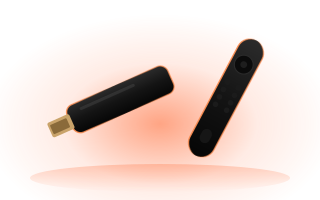
- 1Plug a Fire TV Stick or an Android TV / Google TV box into a free HDMI port on your Roku TV.
- 2Install OSM PLAYER from the Amazon Appstore or Google Play (search “OSM PLAYER”).
- 3Add your playlist and press Refresh — see the next steps.