01
Step 1 of 3
Send us your MAC address
- 1Find the MAC address on the sticker under the box (it starts with 00:1A:79 on MAG boxes).
- 2Send it to us on WhatsApp — we link it to your subscription.
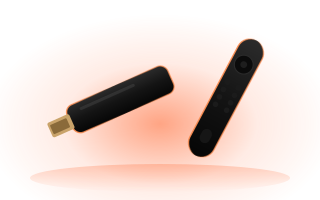
MAG boxes use a built-in portal instead of an app: send us your MAC address, then enter the portal address we give you.
Step 1 of 3
Step 2 of 3
Good to know: On Formuler boxes, open MyTVOnline, choose Add portal and enter the same address.
Step 3 of 3
Good to know: Prefer a modern app with posters and a full TV guide? An Android TV box with OSM PLAYER works on the same TV.
Your MAG box is ready.
Open OSM PLAYER and enjoy IPTVVNorth. Channels missing or the picture not right? We'll sort it out with you.